
Add a Personalization Field
Personalization Fields are used to populate your message with customer-specific values pulled from a field in the sending table. The table and its fields must first be created in Cheetah Digital (see Tables for more information), then added to your Distributed Marketing account, to make it available for selection.
To add a Personalization Field to Distributed Marketing:
-
From the User Details drop-down menu in the top-right corner of the screen, select Admin. The Administration window is displayed.
-
From the tool bar at the top of the Administration window, click Settings. The Settings screen is displayed, with the Folder tab selected by default.
-
Select the Personalization tab.
-
From the Table drop-down menu, select the table where the Personalization Field is located.
-
Click Create New Personalization. The Add Personalization pop-up window is displayed and populated with all the fields in the selected table.
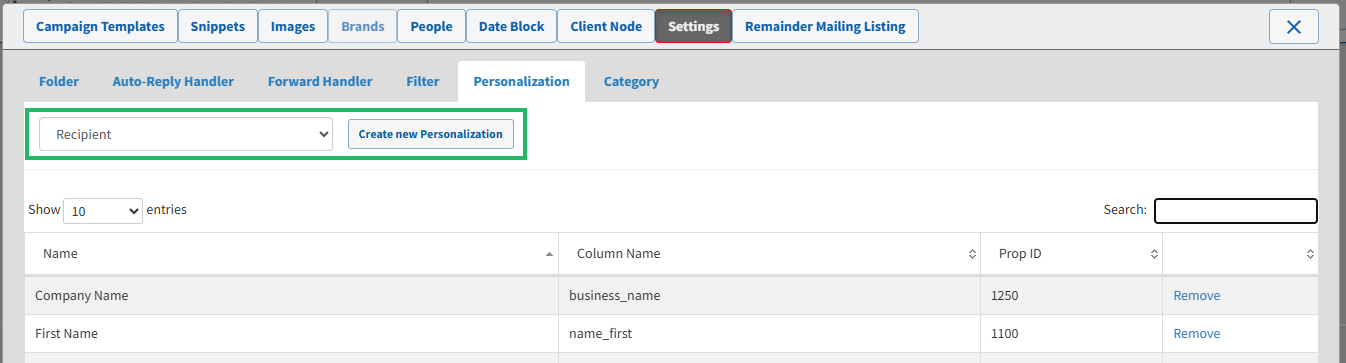
-
Optionally, search for a field by entering a text string in the Search field.
-
Click the name of a field to select it. Repeat this process as needed to select additional fields.
-
Click Close.
